Produce like a Studio.
Edit like a Pro.
Native Apple Silicon, Voice Isolation, and Smart Ducking. Professional media tools reimagined for the modern creator.
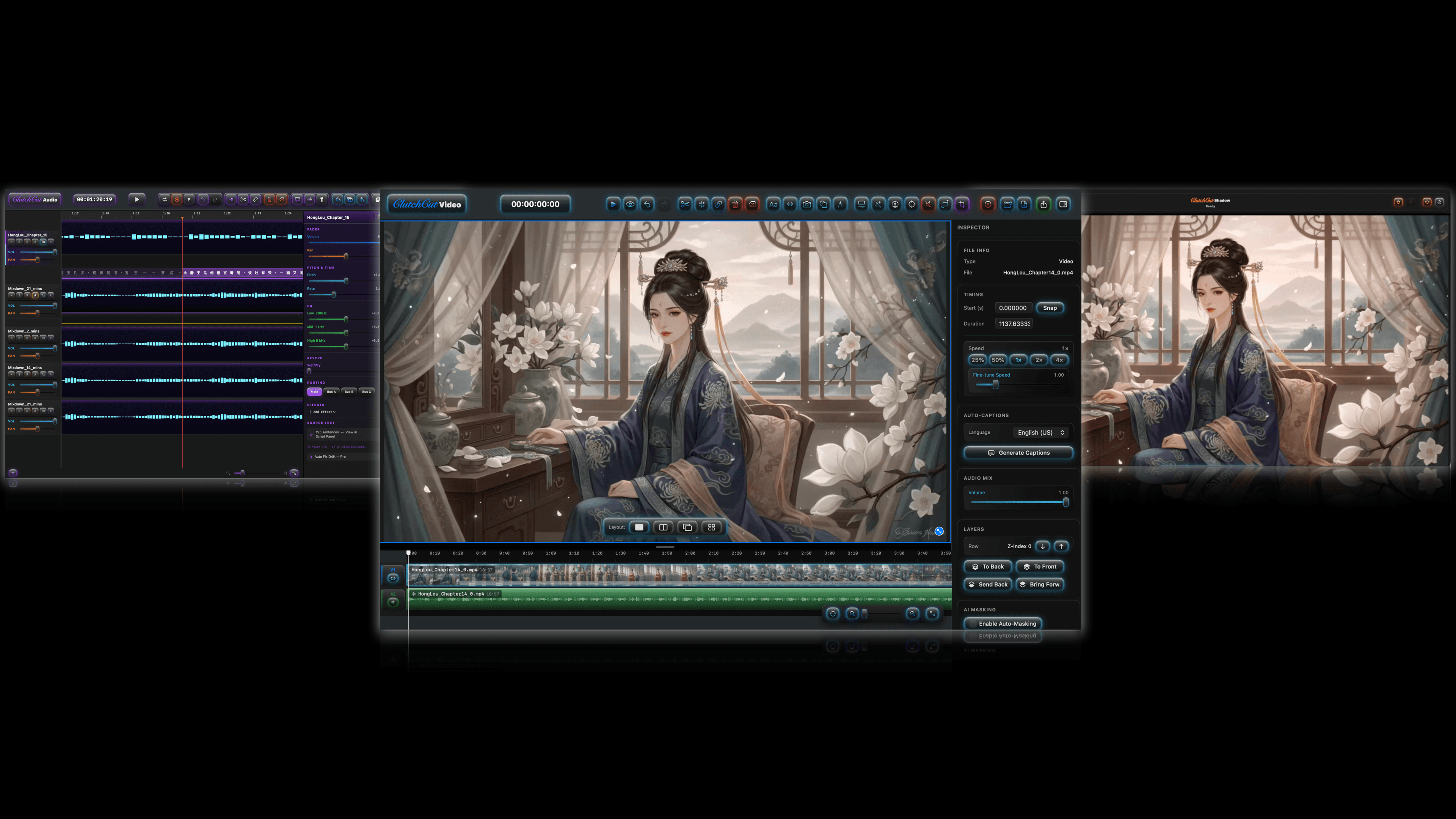
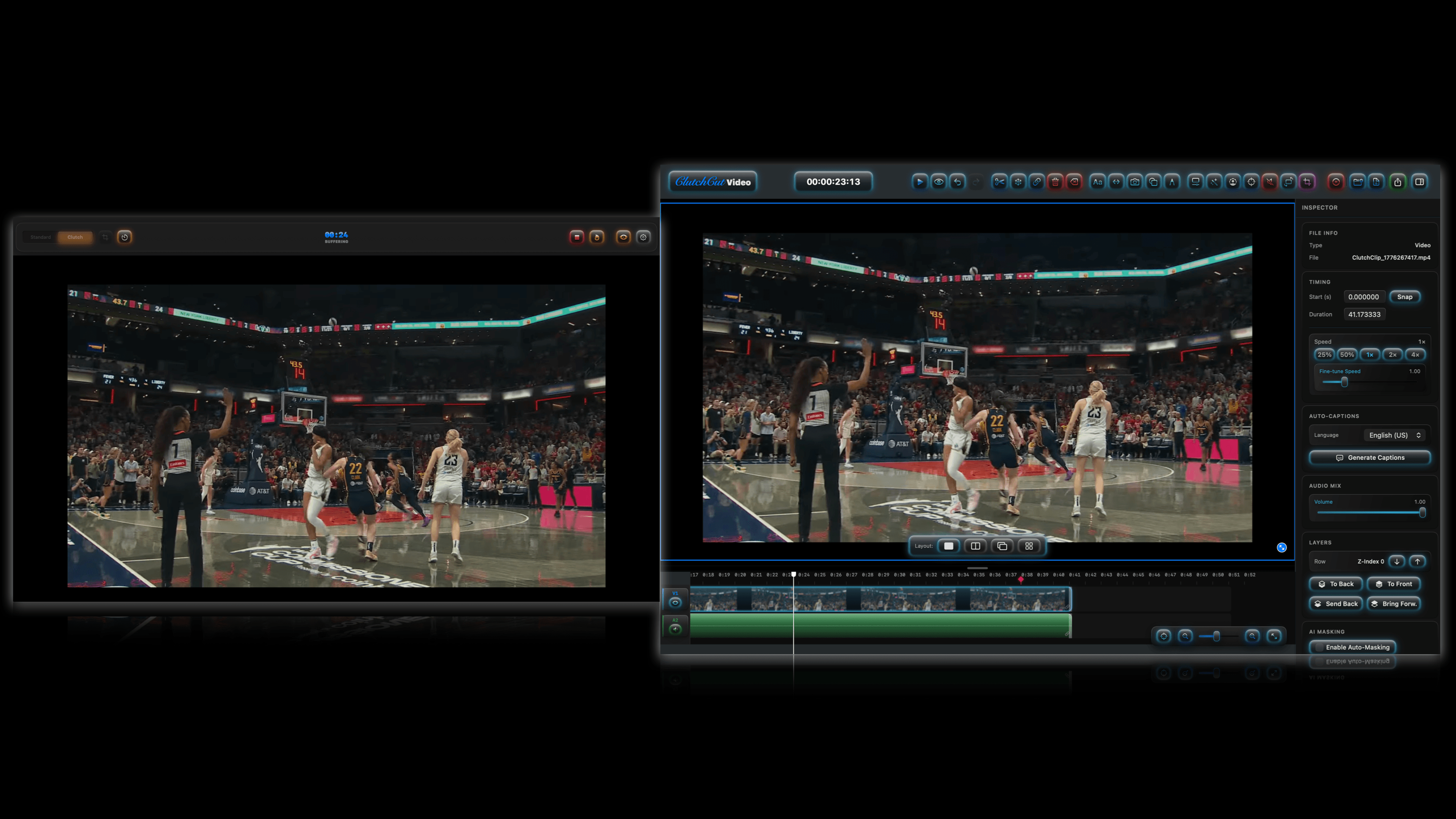
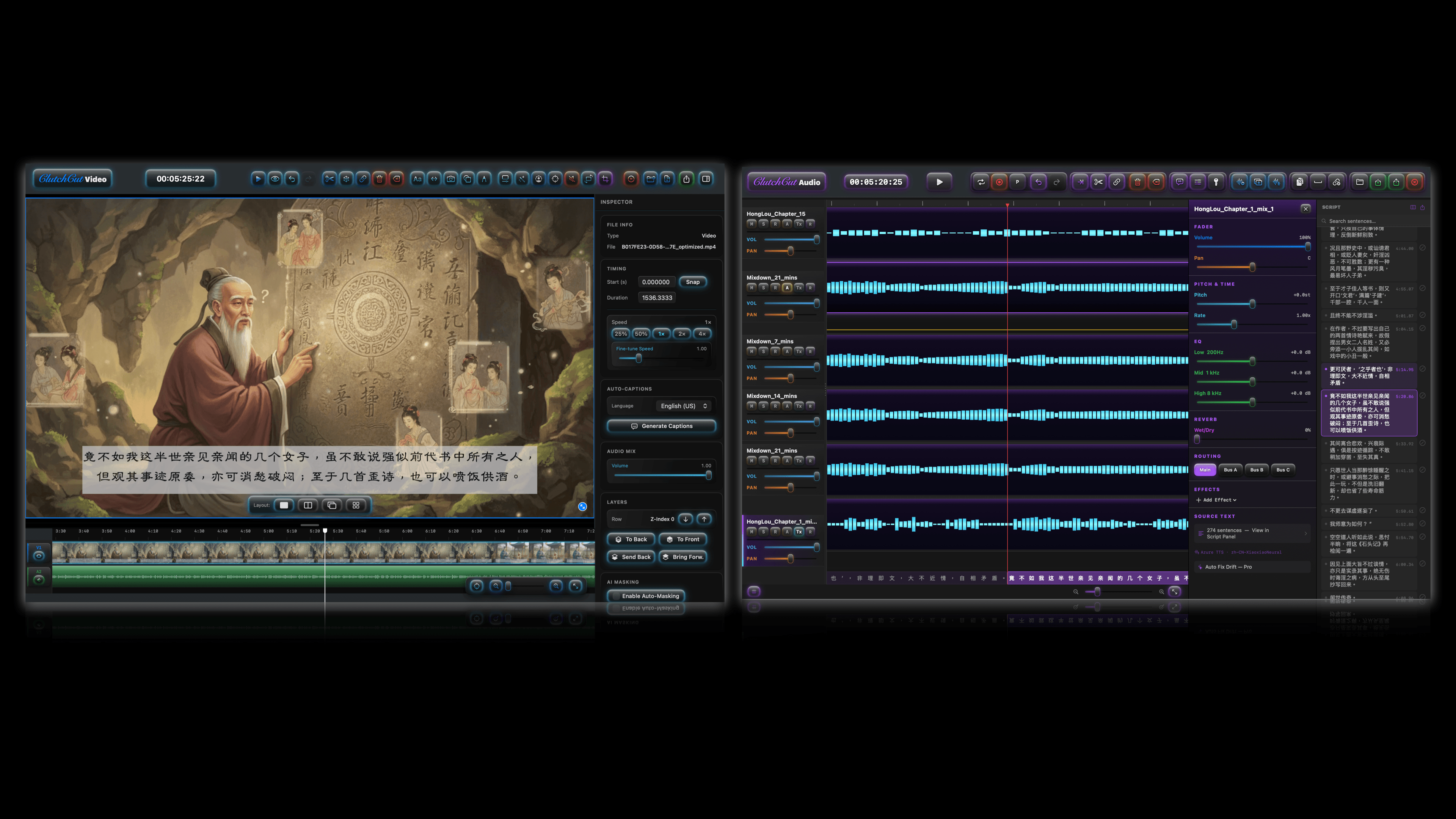

ClutchCutShadow
Always-on replay buffer. Capture magic moments after they happen without filling your disk.
- ★ Retroactive Clutch capture (30 sec – 10 min)
- ★ Scheduled start & auto-stop timer
- ★ Dual-track audio (App + Mic)
- ★ Display / app / window / region capture
- ★ Global hotkeys
- ★ Floating HUD, invisible to recording
- ★ ScreenCaptureKit (4K, Apple Silicon)
- ★ Session handoff to ClutchCut Video
- ★ Auto-updates via Sparkle

ClutchCutVideo
Social-first editing. A free built-in music library, watermark removal, color matching, and auto-captions.
- ✓ Music Library — 180+ original tracks
- ✓ Multi-track timeline (trim, split, ripple)
- ✓ Watermark removal & color matching
- ✓ Smart Crop for vertical (9:16)
- ✓ Auto-Captions (first 5 min)
- !Watermark after 5:00
- ★ No watermarks — any length
- ★ AI Story to Images (character consistency)
- ★ AI Auto-Masking (face, BG/FG removal)
- ★ Auto-Captions — unlimited duration
- ★ Text-to-Speech narration
- ★ Professional export presets

ClutchCutAudio
The Smart DAW. Multi-track recording, on-device TTS, and LUFS mastering in a native macOS interface.
- ✓ Multi-track recording & editing
- ✓ Kokoro on-device TTS (Male & Female)
- ✓ 3-band EQ, Reverb, Delay per track
- ✓ AUv3 plugin hosting & bus routing
- ✓ Piano Roll, MIDI & loop recording
- ✓ AI Stem Separation (Demucs 2-stem)
- ✓ WAV export — unlimited, no watermarks
- ★ AI Stem Separation (Demucs 6-stem)
- ★ Auto-Ducking & LUFS Mastering
- ★ Auto Fix Drift (transcript re-alignment)
- ★ Batch TTS (convert docs to audio)
- ★ Per-stem export (Separate Tracks)
- ★ M4A & MP3 export formats

ClutchCutMini
Capture, edit, and add sound — all on your iPhone. Record any game, stitch clips, export a clean, watermark-free short.
- ★ Record any iPhone game — no watermark
- ★ Filmstrip editor: trim, split, speed, transitions
- ★ Batch-stitch clips by recording time
- ★ Music auto-fit + on-device captions
- ★ Facecam picture-in-picture
- ★ 9:16 / 16:9 / 1:1 — private & on-device

ClutchCutLoop
Loop a video — or an image + audio — 24/7 to YouTube and any RTMP. Native hardware encoding, a WYSIWYG preview, and a live health monitor.
- ★ 24/7 video / image+audio loop streaming
- ★ One-click YouTube broadcast setup
- ★ Any RTMP/RTMPS — Twitch, Kick, Restream…
- ★ WYSIWYG preview + upload-health monitor
- ★ Multiple concurrent streams
- ★ VideoToolbox encoding · no ffmpeg, no cloud fee
- ★ Auto-updates via Sparkle
Frequently asked questions
What is ClutchCut Studio?+
ClutchCut Studio is a suite of native macOS apps for creators — ClutchCut Video (a video editor), Audio (a DAW), and Shadow (a screen recorder) — plus games and tools. They're fast, private, and built natively for the Mac.
How much does ClutchCut cost?+
Every app is free to download and use. Pro unlocks are one-time purchases (not subscriptions): ClutchCut Video Pro and Audio Pro are $39.99 each, and Shadow is free. Available on the Mac App Store and at clutchcut.studio.
Does ClutchCut work on Windows or Linux?+
No. ClutchCut apps are macOS only (Apple Silicon and Intel), built natively for the Mac. There are no Windows or Linux versions.
Is there a free version?+
Yes. ClutchCut Video and Audio are fully usable for free; Pro removes limits like watermarks and unlocks AI features. ClutchCut Shadow is completely free.
Is my data private?+
Yes. Processing happens on your device and ClutchCut does not track you. Optional cloud AI features in the direct-download builds use your own API keys.
What's the difference between Video, Audio, and Shadow?+
Shadow captures your screen (an always-on replay buffer), Video edits it (a social-first editor), and Audio mixes and masters sound (a DAW). They hand off to each other for a complete workflow.